Quick Answer:
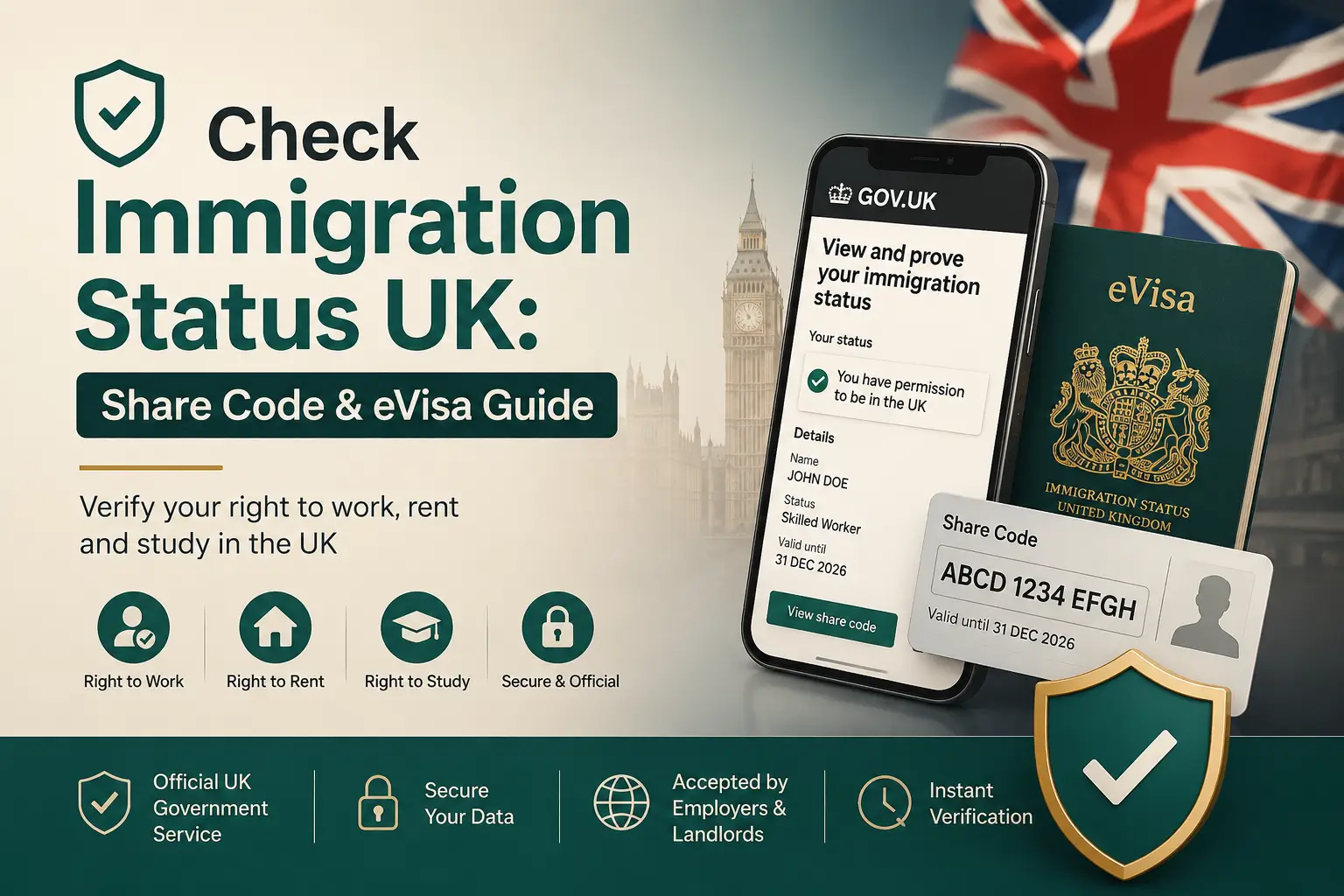
To check immigration status in the UK, the person themselves signs into their UKVI account on GOV.UK and generates a share code, which they give to an employer, landlord, or other checker along with their date of birth. Employers and landlords then enter that code on the matching GOV.UK checking service — not a general search — to see the person’s right to work or rent.
This applies to visa holders, employers running right-to-work checks, and landlords running right-to-rent checks.
Since the Biometric Residence Permit (the plastic ID card that used to prove immigration status) was phased out at the end of 2024, checking status digitally isn’t optional anymore for most non-British, non-Irish nationals — it’s the only route available.
There isn’t one single “immigration status checker” website you type a name into. The check always starts with the individual, not the person asking. Here’s exactly how it works for each side of that exchange, and what to do when the system doesn’t cooperate.
For individuals: Checking and Proving your own status
If you’re the one who needs to prove your status — to a new employer, a landlord, or when you travel — you go to GOV.UK’s “View and Prove Your Immigration Status” service and sign in with the same details you used to set up your UKVI account: your email, phone number, and a passport, Biometric Residence Permit, or application number, depending on how your status was granted.
Once you’re signed in, you can see your eVisa, your visa conditions, your expiry date, and generate a share code. According to GOV.UK’s own eVisa guidance, a share code lasts 90 days and can be reused as many times as you need within that window — you don’t need a fresh one for every check.
You’ll also be told exactly what information the person checking your code will see before you send it.
One detail that trips people up:
A share code isn’t generic. Warwickshire County Council’s guidance on the rollout confirms each code is generated for one specific purpose — right to work, right to rent, or “another reason” — and codes now start with a letter showing which: W for work, R for rent, S for something else.
A right-to-work code entered into the right-to-rent checker simply won’t work. If you’re not sure which one you need, ask the person requesting it, or use the general View and Prove signpost page to find the right service.
For employers: running a right-to-work check
If someone hands you a share code, don’t guess where to enter it. GOV.UK’s employer checking service is a separate tool from the one individuals use to generate the code, and separate again from the landlord tool. Enter the code together with the applicant’s date of birth, and the service will confirm their right to work and any restrictions on it — for example, a maximum number of hours per week for some student visa holders.
This isn’t a courtesy step. Since 13 February 2024, the Home Office more than tripled the civil penalty for employing someone without the right to work: up to £45,000 per illegal worker for a first breach, and up to £60,000 for a repeat breach within three years, according to the Home Office’s Code of Practice on Preventing Illegal Working.
That increase had teeth almost immediately — by 30 June 2024, the Home Office had already issued £21.5 million in civil penalties, per reporting from Thorn tons Solicitors on Home Office enforcement data.
Enforcement has kept climbing since. Between 5 July 2024 and 28 June 2025, the Home Office issued 2,105 civil penalties and carried out 10,031 illegal-working visits — up from 6,797 the year before — resulting in 7,130 arrests, according to figures reported by law firm Field Seymour Parkes.
In January 2025 alone, raids hit 828 workplaces and led to 609 arrests, a 73% jump on the same month a year earlier. Sponsor licence action rose too: the Home Office suspended 1,342 licences and revoked 1,222 in 2024, more than double the 2023 figures.
The protection against all of this is what the law calls a statutory excuse — proof that you carried out a compliant right-to-work check, correctly, before employment started. Running the online check properly, using the actual GOV.UK service rather than just eyeballing a document, is what gives you that excuse.
For landlords and letting agents: Right-to-Rent Checks
The process mirrors the employer check but uses a different GOV.UK service — “View a tenant’s right to rent in England.” Right to rent checks currently apply in England only.
As with employer checks, entering a right-to-work-coded share code here won’t return a result, since each code is locked to its original purpose.
When the system doesn’t cooperate!
This is the part most guides skip, and it’s common enough to plan for rather than treat as a rare edge case.
The 3 million, a UK organisation that has tracked self-reported eVisa problems since June 2024, published data showing that by 30 June 2025 it had received 487 reports, with people unable to view their eVisa, seeing incorrect information on it, or being unable to link identity documents to their UKVI account.
The Home Office’s own e Visa transparency data, by contrast, states that error corrections since September 2025 represent under 1% of all live e Visas — and separately, its Resolution Centre logged 41,000 calls in November 2025 alone, with 116,011 further enquiries submitted between April and October 2025, of which 70.2% related to genuine errors, according to a Home Office estimate cited in Computer Weekly’s reporting on a related High Court case.
GOV.UK’s low headline error rate and the volume of enquiries being handled aren’t necessarily contradictory — a small percentage of a very large number of live e Visas can still add up to tens of thousands of real cases — but it’s worth knowing both figures exist rather than assuming the system is either flawless or universally broken.
The real-world cost of this shows up in individual cases. Computer Weekly reported on a student who arrived in the UK in early 2025 and, despite completing the e Visa setup process twice, kept hitting the same system error that blocked them from generating a share code.
They told the 3 million’s reporting tool it had already cost them a specific job opportunity while their visa vignette was close to expiry.
If you hit an error like this: use the Home Office’s dedicated error-reporting form at gov.uk/report-error-e visa rather than just retrying the same steps, and keep a record of when you reported it — that record matters if an employer or landlord needs evidence you were trying to resolve a status issue that wasn’t your fault.
If your status genuinely isn’t showing correctly, contact the UKVI Resolution Centre directly rather than assuming the problem will clear on its own.
Key Takeaways
- A share code is generated by the individual, not the checker, and is only valid for the single purpose it was created for — work, rent, or “other.”
- Share codes last 90 days and can be reused multiple times within that window.
- Employers must use GOV.UK’s employer checking service, not general document inspection, to establish a statutory excuse against civil penalties of up to £45,000 (first breach) or £60,000 (repeat breach).
- Physical documents like BRPs stopped being valid proof of status after 31 December 2024 for most holders — digital checking is now the only route for most non-British, non-Irish nationals.
- eVisa system errors are real and documented by both GOV.UK’s own data and independent monitoring; if your status doesn’t display correctly, report it through the official error form and follow up with the Resolution Centre rather than assuming it will self-correct.
FAQs
Is checking immigration status online still necessary in 2026, or can I still use a physical document?
For most non-British, non-Irish nationals, yes, it’s necessary — almost all Biometric Residence Permits and Biometric Residence Cards expired by 31 December 2024, so the online eVisa and share code system is now the primary way to prove status, not an alternative to a physical card.
What’s the difference between checking my own status and an employer checking mine?
You generate the share code from your own UKVI account; the employer or landlord then enters that code into a separate GOV.UK service built specifically for checkers. You never give them login access to your account — only the code and your date of birth.
Can a landlord use a share code that was generated for a job application?
No. Since the letter-prefix system rolled out, each share code is locked to the purpose it was created for — right to work (W), right to rent (R), or another reason (S) — and entering it into the wrong service won’t return a result.
What happens if an employer doesn’t do the online check properly?
They risk losing their “statutory excuse” and becoming liable for a civil penalty, which has stood at up to £45,000 per worker for a first breach and £60,000 for a repeat breach since February 2024, alongside possible action against their sponsor licence.
My eVisa shows the wrong information or won’t load — what do I do?
Report it through GOV.UK’s official error form (gov.uk/report-error-evisa) rather than repeatedly retrying, and keep a record of the report date. If it isn’t resolved, contact the UKVI Resolution Centre directly — documented, ongoing errors are common enough that support organisations track them.
How is this different from just showing my passport or visa sticker?
A passport or vignette sticker only shows historical visa information, not your current, live status — conditions can change or extensions can be granted after the sticker was issued. The digital check reflects your status in real time.
Do I need a new share code every time someone asks?
No — a single share code is valid for 90 days and can be reused as many times as needed within that period, so you don’t need to generate a new one for every request.
4 thoughts on “Check Immigration Status UK: Share Code & eVisa Guide”