Quick Answer:
A UK right to work check confirms whether someone is legally allowed to work in the UK. Employers must complete the check before employment starts, usually by using a Home Office share code, which lets them verify the worker’s status online.
This Guide For:
This guide is written for UK employers, HR staff, and small business owners running these checks, plus applicants who need to generate their own share code. Getting a check wrong risks a civil penalty per GOV.UK guidance — so knowing the correct method matters.
A right to work check is the legal process UK employers must complete before hiring anyone, confirming the person is permitted to work in the UK. For most non-British and non-Irish worers, this now happens online through a share code — a temporary 9-character code issued by the Home Office’s “View and Prove” service. Getting the method right protects both the employer and the new hire.
What Is a Right to Work Check?
A right to work check is the legally required step where a UK employer verifies that a job applicant or existing employee is entitled to work in the UK before employment begins. It exists under the Immigration, Asylum and Nationality Act 2006, which makes it a criminal and civil offence to knowingly employ someone without the right to work.
The check isn’t optional or a formality — it’s what gives the employer a statutory excuse, meaning legal protection against penalties, provided it was done correctly and before the person’s first day of work.
Who Needs a Right to Work Check?
Every new hire needs one — British and Irish citizens included, not just foreign nationals. This is the single most common misconception employers have: many assume a UK passport automatically skips the process, but the law requires a check on everyone, only the method differs.
British and Irish citizens are usually checked manually with an original passport (or via a certified digital identity check); everyone else is typically checked online via a share code or documents from the Home Office’s List A or List B — the two official document categories the Home Office publishes for manual checks, List A covering those with permanent right to work and List B covering time-limited status.
The Three Ways to Check Right to Work in the UK
There are three legally recognised methods, and using the wrong one for someone’s situation is one of the most common compliance mistakes.
| Method | Who it’s for | How it works | Typical speed |
|---|---|---|---|
| Manual document check | British/Irish citizens without digital verification, or anyone with an accepted physical document | Employer views original documents in person (or via live video with the original document in hand) and keeps a dated copy | Immediate |
| Online share code check | Most non-UK/Irish nationals, and anyone with a digital immigration status (eVisa, EU Settlement Scheme status) | Applicant generates a share code; employer enters it on the official GOV.UK checking service | Immediate |
| Certified IDSP digital check | British/Irish passport holders only | A Home Office-certified Identity Service Provider verifies the passport digitally using Identity Document Validation Technology (IDVT) | Immediate |
This third route was introduced by the Home Office on 6 April 2022 as an alternative to in-person document checks for British and Irish citizens, and it’s the one competitor guides most often leave out or explain incorrectly.
What Is a Share Code and How Do You Get One?
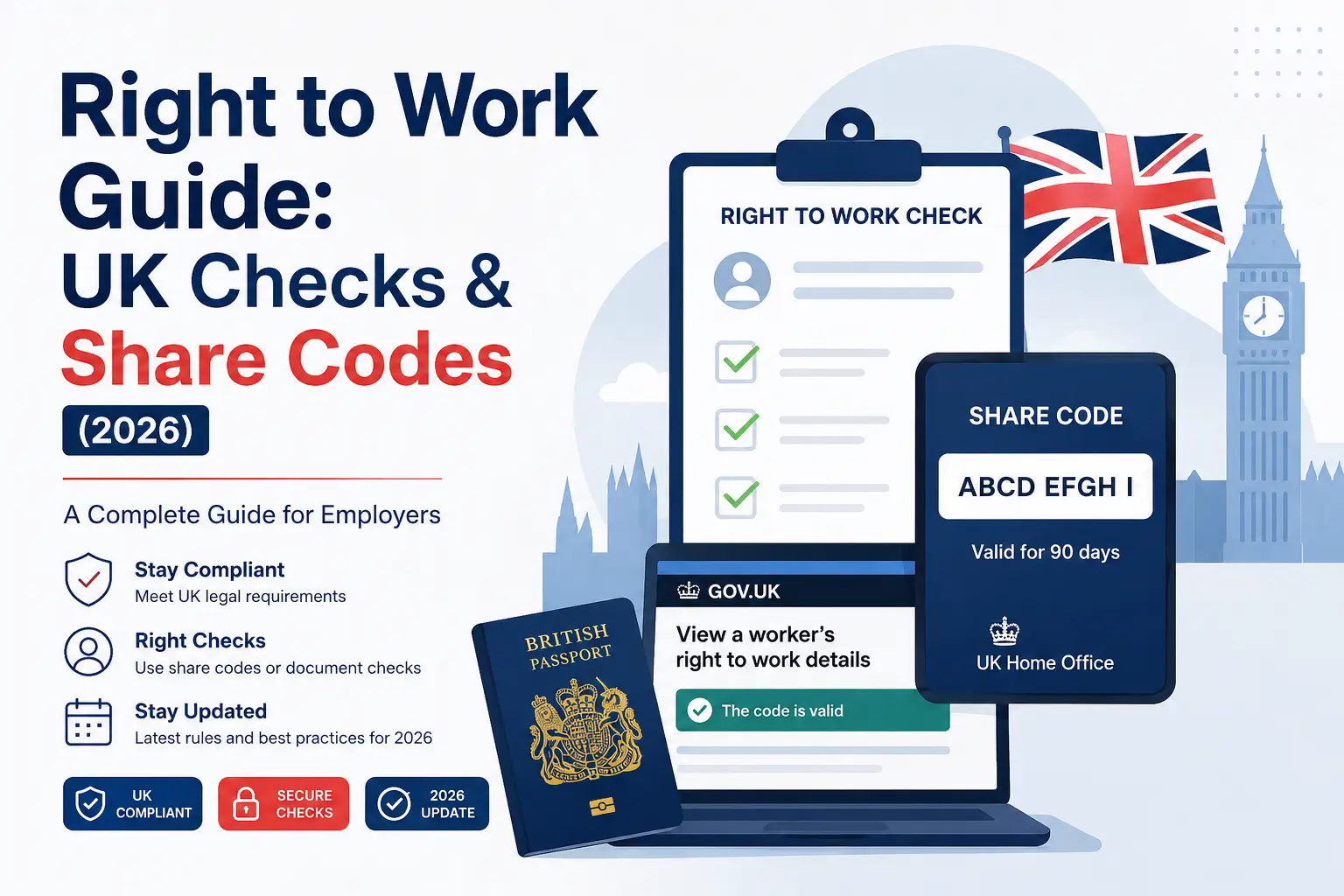
A share code is a temporary 9-character alphanumeric code that proves someone’s UK immigration status without handing over physical documents. It’s generated by the individual — not the employer — through the Home Office’s “View and Prove Your Immigration Status” service on GOV.UK, using their eVisa or other digital status record.
Once generated, the code is valid for 90 days, and the applicant gives it directly to the employer along with their date of birth, which the employer needs to run the check.
Anyone using an on-site share code checker (like the tool at the top of this site) should confirm the code hasn’t expired first — an expired code is the single most common reason a check fails on the first attempt.
Step-by-Step: How Employers Use a Share Code to Check Right to Work
- Ask the applicant for their share code and date of birth.
- Go to the official GOV.UK “View a job applicant’s right to work details” page (not a third-party lookalike).
- Enter the share code and date of birth exactly as given.
- Review the result: it confirms the person’s right to work, any conditions or expiry, and generates a checking-service reference.
- Save a dated copy of that result — this is what creates the statutory excuse, not the code itself.
Skipping step 5 is a real and common gap: employers often check the code, see a green result, and move on without saving proof of the check — which means they have no statutory excuse if the record is ever questioned later.
BRPs, eVisas, and the 2025 Digital Status Shift
Since the Biometric Residence Permit — the physical card many visa and settled-status holders previously carried — expired for existing holders at the end of 2024, most people now prove status entirely through an eVisa, a fully digital immigration record with no physical card at all.
This shift means employers who were used to physically inspecting a BRP now need to rely on the online share code check for anyone with digital-only status, which is one of the biggest practical changes right to work processes have seen in years and a common source of confusion reported by employers and HR advisers adjusting their onboarding paperwork.
What Happens If an Employer Gets It Wrong?
An employer who fails to complete a compliant check before a new hire’s start date loses the statutory excuse and can face a civil penalty under Home Office rules for employing someone without the right to work — separate from any criminal liability if the employer knowingly employed an illegal worker.
According to GOV.UK guidance, civil penalty amounts were increased in February 2024 to reflect stronger enforcement; employers should check the current figures on GOV.UK directly before relying on any specific number, since penalty amounts are set by policy and can change.
Common Mistakes in Right to Work Checks
The most frequent errors HR consultants and compliance advisers describe are not exotic — they’re procedural. In reviewing the questions submitted through Share Code Check by users trying to run or generate a check, the two recurring issues are: applicants sharing an already-expired share code, and employers forgetting to save a dated screenshot or PDF of the online check result.
Neither mistake is a legal grey area — both are avoidable with a simple checklist, which is exactly why the statutory excuse depends on the record, not just the result.
Key Takeaways
- A right to work check is legally required for every UK hire, including British and Irish citizens — only the check method differs.
- There are three legal check methods: manual document check, online share code check, and certified IDSP digital check for British/Irish passport holders.
- A share code is generated by the applicant via GOV.UK’s “View and Prove” service and is valid for 90 days.
- Since the end of 2024, BRPs have been retired in favour of digital-only eVisas, making the online share code check the default method for most non-UK/Irish workers.
- Saving a dated copy of the check result — not just running the check — is what creates the employer’s statutory excuse.
- Getting a check wrong can result in a civil penalty; current figures should always be confirmed directly on GOV.UK.
FAQs
Does a British passport holder still need a right to work check?
Yes. Every new employee needs a right to work check by law, regardless of nationality — British and Irish citizens are typically checked manually with their passport or via a certified IDSP digital check, not exempted from the process entirely.
Is a right to work check still necessary in 2026 with eVisas replacing physical documents?
Yes, and arguably more so — the shift to fully digital eVisas means more checks now rely on the online share code system rather than physical card inspection, making it more important than ever for employers to use the correct online process instead of outdated manual habits.
What’s the difference between a share code check and a manual document check?
A share code check is done online through GOV.UK using a temporary digital code the applicant generates; a manual check involves physically viewing and copying original documents such as a passport. Which one applies depends on the applicant’s nationality and immigration status, not employer preference.
How much does a right to work check cost, and how long does a share code last?
The check itself is free through the official GOV.UK service; a generated share code is valid for 90 days from issue, after which the applicant must generate a new one.
What if a share code doesn’t work when I try to check it?
The most common cause is an expired code — since they only last 90 days — followed by a mismatched date of birth entered incorrectly. Ask the applicant to confirm the code is current and re-enter the details carefully before assuming there’s a status problem.
Do employers need to repeat a right to work check for existing employees?
Only in specific cases — typically when the original check showed a time-limited right to work (a List B document or a status with an expiry date). Employees with permanent/unrestricted right to work generally don’t need a repeat check.
What happens if a job applicant has no share code and no documents?
The employer should use the Home Office’s Employer Checking Service, which is designed for cases involving a pending application or outstanding appeal, rather than refusing to hire outright.
3 thoughts on “Right to Work Guide: UK Checks & Share Codes (2026)”