Quick Answer
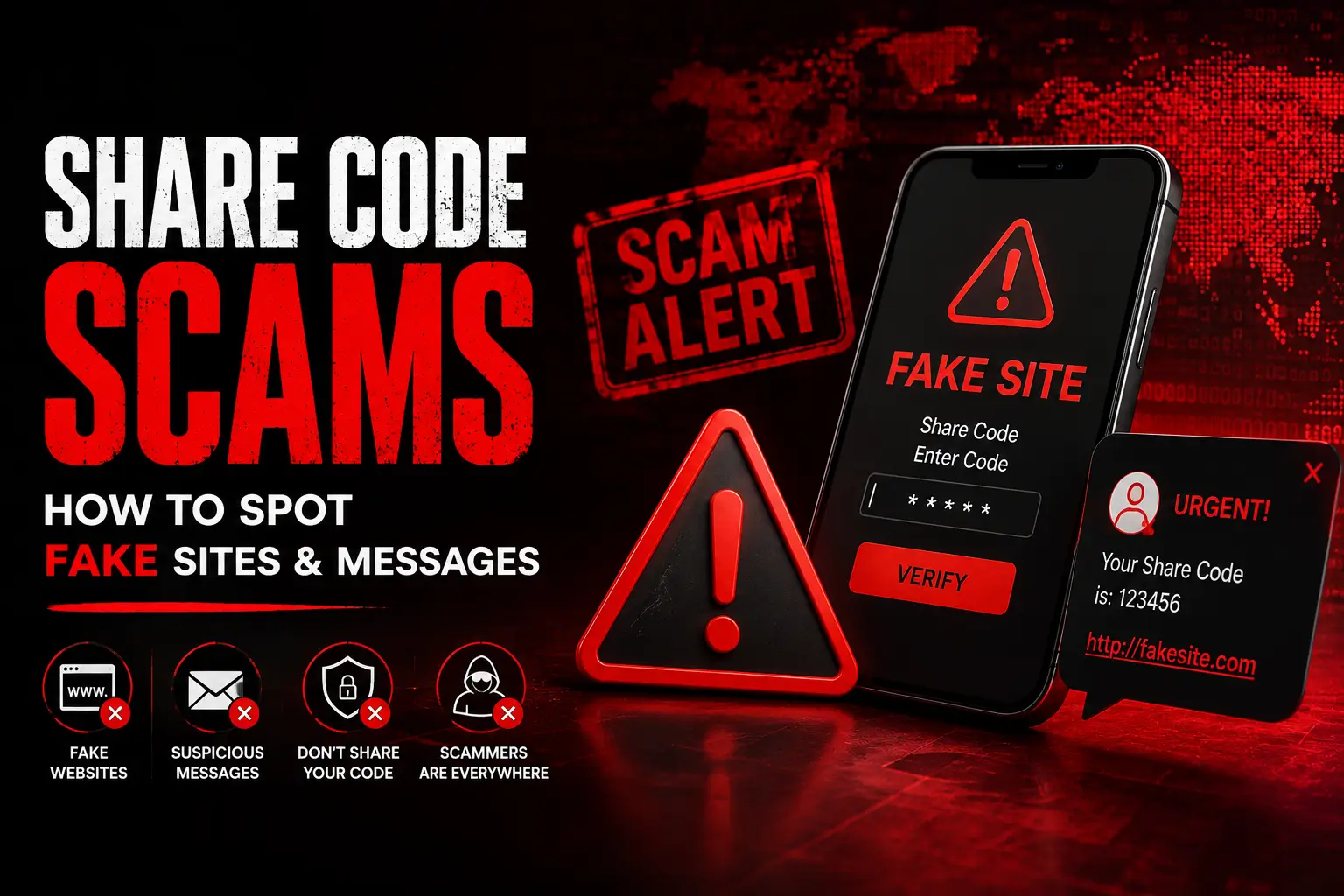
A share code scam is any attempt to trick someone into revealing their immigration details, paying a fee, or using a fake website to generate a share code. The genuine GOV.UK share code service is always free and only found at gov.uk. If a message, website, or request asks for payment, unusual personal information, or pressures you to act urgently, treat it as suspicious and verify directly on GOV.UK.
This Guide Is For:
- Anyone who has received a message asking for a share code
- Job applicants and tenants asked to prove their status online
- People unsure whether a website claiming to offer share codes is genuine
- Employers and landlords wanting to confirm they’re using the official checking service
Why Share Codes Attract Scams?
Share codes involve sensitive personal and immigration information, and the process is still new to many people.
That combination — sensitive data plus unfamiliarity — makes it a target for scammers who impersonate the Home Office, employers, or landlords to obtain personal details or money.
Common Types of Share Code Scams!
Fake websites:
Some sites copy the look of GOV.UK, using similar colours, logos, or domain names, and charge a fee to “generate” a share code. The genuine service is only available through gov.uk and is completely free.
Phishing messages:
Emails, texts, or WhatsApp messages claiming to be from the Home Office, an employer, or a landlord, asking you to click a link and enter your immigration or UKVI login details on a lookalike page.
Fake payment requests:
Any request to pay to generate, “unlock,” or “verify” a share code is not genuine. GOV.UK never charges for this service.
Fake employers or landlords:
Scammers pose as employers offering jobs or landlords offering property, asking for a share code (or other personal documents) as part of an advance-fee or identity-theft scheme, sometimes before any legitimate interview or viewing has taken place.
Requests for excessive information:
A genuine right to work or right to rent check only needs your share code and date of birth. Requests for extra details — passwords, banking information, or your full UKVI login credentials — are a red flag.
How to Verify a Website Is Official?
- Check the address bar carefully: the only genuine domain is gov.uk. Look for subtle misspellings or extra words in unofficial copies.
- Genuine GOV.UK pages don’t ask for payment to generate or check a share code.
- The official service will never ask you to install software or a browser extension.
- If you reached a page through a link in an email or text rather than by typing gov.uk directly, treat it with extra caution.
What to Do If Something Looks Suspicious?
- Don’t click the link. Go directly to gov.uk by typing it into your browser yourself.
- Don’t share your UKVI login details, passwords, or payment information with anyone.
- If you’ve already shared information you think may have gone to a scammer, change your UKVI account password immediately and report the incident.
- Report suspicious messages or websites to Action Fraud (the UK’s national fraud reporting service) and to your email or messaging provider.
- If a request came from someone claiming to be an employer or landlord, verify their identity independently before sharing anything further.
Official GOV.UK Service vs Suspicious Third-Party Website
| Official GOV.UK Service | Suspicious Third-Party Site | |
|---|---|---|
| Domain | gov.uk | Lookalike or unrelated domain |
| Cost | Always free | Often charges a “processing” fee |
| Information requested | Identity document details, date of birth | Often asks for passwords, payment, or excessive personal data |
| How you reach it | Typed directly or via an official gov.uk link | Often reached via unsolicited email, text, or social media link |
| Software required | None | May prompt you to install an app or extension |
Practical Scenario
Example Case (hypothetical):
Yusuf receives a text message claiming to be from “UK Visa Services,” saying his eVisa needs urgent reverification and linking to a site called “gov-ukvisa-check.com.” The site asks for his passport number, UKVI password, and a £15 “verification fee.”
Because the domain isn’t gov.uk and a fee is being requested, Yusuf recognises the signs of a scam. He doesn’t click further, deletes the message, and instead logs in to his UKVI account by typing gov.uk directly into his browser to confirm his status is unaffected.
Key Takeaways
- The only genuine share code service is on gov.uk, and it’s always free.
- Fake websites, phishing messages, and fake payment requests are the most common share code scams.
- Only share your share code and date of birth for the specific, legitimate check being carried out.
- Never share your UKVI password or banking details as part of a share code request.
- Verify suspicious requests by going directly to gov.uk rather than clicking links.
- Report suspected scams to Action Fraud and change your password immediately if you’ve shared sensitive details.
FAQs
Is it normal to be asked for a share code?
Yes — employers and landlords routinely ask for a share code as part of legitimate right to work or right to rent checks. The key is confirming the request and the checking process are genuine.
Does GOV.UK ever charge for a share code?
No. Generating and checking a share code through the official GOV.UK service is always free.
What information should I never share when giving out a share code?
Your UKVI account password, banking details, or any information beyond the share code and date of birth needed for the specific check.
How can I tell if a website asking for my share code is fake?
Check that the domain is exactly gov.uk, confirm there’s no fee involved, and be cautious of any site reached through an unsolicited link.
What should I do if I think I’ve fallen for a share code scam?
Change your UKVI account password immediately, avoid sharing further details, and report the incident to Action Fraud.
Can someone else use my share code without my permission?
A share code can technically be used by anyone who has it, which is why you should only share it with the specific employer, landlord, or organisation carrying out a legitimate check.
Are messages asking me to “reverify” my eVisa urgently always genuine?
Not necessarily. Urgency and pressure are common scam tactics. Verify independently by going directly to gov.uk rather than clicking any link in the message.