This is an independent guide, not part of DWP or GOV.UK. We don’t process logins here — we point you to the real one and help with the problems that come up around it.
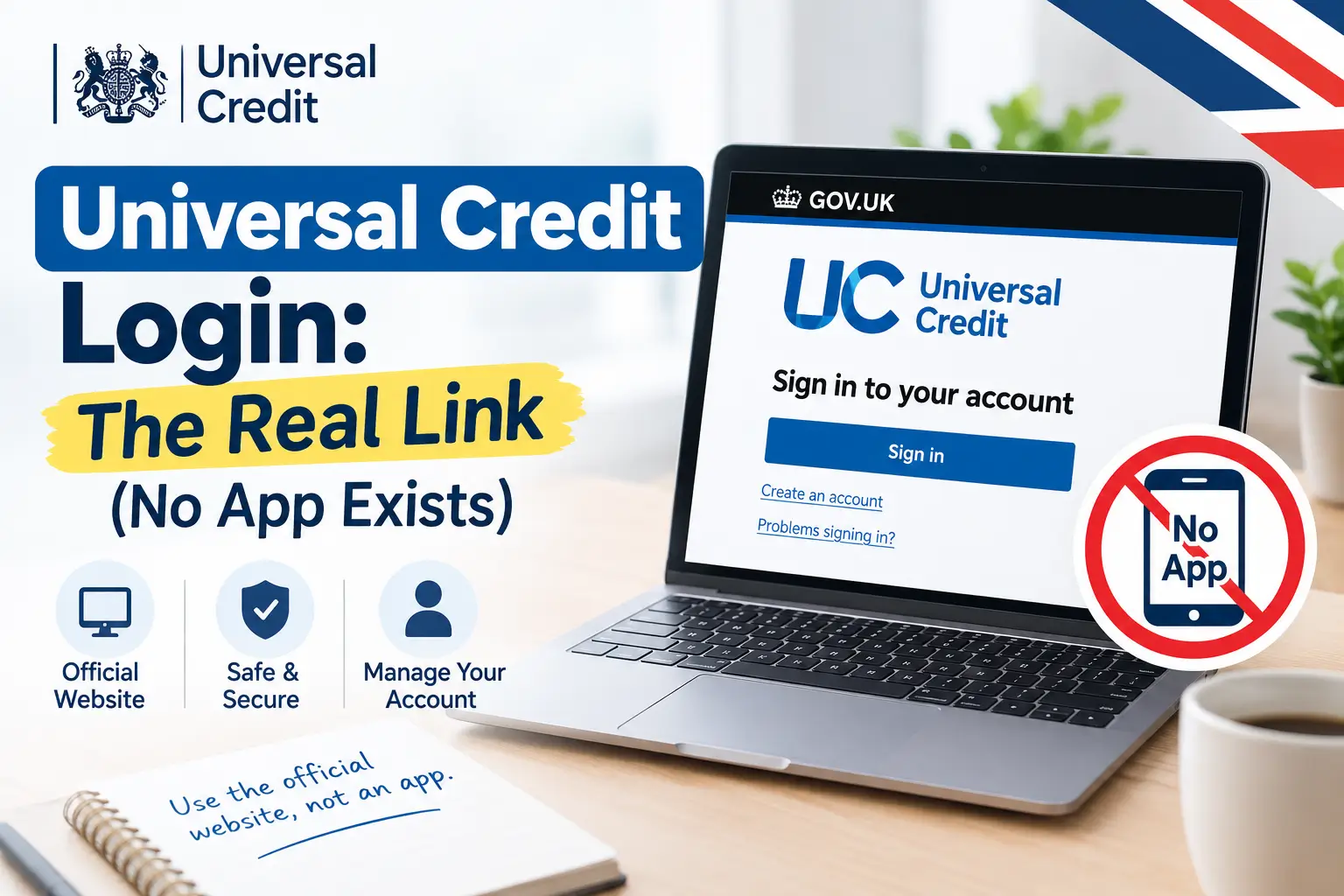
Universal Credit login means signing in at gov.uk/sign-in-universal-credit with the username and password you created when you claimed — not a Government Gateway ID, and not through any app, since no official Universal Credit app exists. If you’re stuck on a forgotten password, a scam text, or a delayed identity check, the sections below cover each one directly.
The Correct Way to Sign In!
Universal Credit doesn’t use Government Gateway, despite what a lot of guides online claim. It has its own account system, separate from HMRC’s tax services.
To sign in:
- Go to gov.uk/sign-in-universal-credit directly, or type the address yourself rather than clicking a link from a text or email.
- Follow the “Sign in” button — it takes you to
universal-credit.service.gov.uk/sign-in. - Enter the username and password you set when you first applied.
That’s the entire process. There’s no separate app step, no Government Gateway credential to dig up, and no additional portal to find.
Forgotten Your Username or Password?
The sign-in page itself has a reminder option if you’re not sure of your details — you don’t need to contact the helpline first for this.
Have access to the email or mobile number you used when you claimed, since that’s how the reminder gets sent.
A few things that trip people up:
- Usernames are typically case-sensitive — check for capital letters you might have used at setup.
- If your registered email address has changed since you claimed, the reminder can’t reach you; in that case the helpline (below) is the faster route than repeated password attempts.
- Multiple failed attempts can temporarily lock the account as a security measure, which is normal and not a sign anything’s wrong with your claim.
There Is No Official Universal Credit App
This is the single most important thing to get right, because it’s actively being used against claimants. DWP has confirmed, more than once, that no official Universal Credit app exists.
Any app in an app store claiming to let you view statements, apply for an advance, or manage your claim is not genuine, however convincing the branding looks.
Action Fraud, several UK police forces, and local councils have all issued separate warnings about this exact fake app. If you’ve installed one:
- Delete it immediately.
- Don’t enter any further details into it.
- If you’ve already entered personal or banking details, contact your bank and report it to Action Fraud on 0300 123 2040.
The only place to manage a Universal Credit account is the website above — on a browser, not through any app.
Spotting a Universal Credit Login Scam
Beyond the fake app, the most common scam pattern is a text or email claiming to be about a “crisis grant” or an urgent account issue, with a link that looks convincingly like the real government site.
DWP has stated plainly that it will never text or email you asking for personal or bank details.
If you’re contacted out of the blue:
- Don’t tap the link. Go to gov.uk directly and sign in from there instead.
- Genuine DWP contact will usually show up as a note in your online journal first, often followed by a call — so check your journal if you’re unsure whether a call is real.
- If a call claims to be DWP, you can ask them to post a specific note in your journal so you can verify it independently before sharing anything.
Wanna Read our other guides, and Avoiding share code scams
When Does Identity Verification Happen?
A claim’s start date is fixed to the day you submit the application — it isn’t delayed by identity verification. What identity verification affects is your first payment: you need to confirm your identity before that first payment is released, but the claim itself is already running while that happens.
If you’re a new claimant and the online identity check doesn’t go through cleanly, that’s not unusual and isn’t a rejection. Your local job centre can see you’ve applied and will follow up if they need anything further from you.
Don’t Have an Account Yet?
If you’re trying to log in but haven’t actually claimed before, sign-in won’t help you — you need to open an account first at the same gov.uk starting point, where you’ll set a username, password, and security questions as part of applying.
If you’d rather not do this alone, Citizens Advice runs a free Help to Claim service that supports the application through to your first full payment.
Contacting Universal Credit About Login Problems
If the reminder tool and the steps above don’t resolve it, use the official contact routes rather than a number found through a search result or a text message:
- Universal Credit helpline: 0800 328 5644
- Textphone: 0800 328 1344
- Hours: Monday to Friday, 8am–6pm
Calling from the number you gave DWP when you set up your claim tends to speed up identity checks on the call itself.
FAQs
Do I need a Government Gateway account to log in to Universal Credit?
No. This is the most common mix-up online. Universal Credit has its own separate username and password, created when you first claimed — Government Gateway is used for HMRC services like tax accounts, not for Universal Credit.
Is there an official Universal Credit app?
No. DWP has confirmed no official app exists for managing a Universal Credit claim. Apps claiming otherwise are fraudulent, regardless of how official their branding looks, and should be deleted rather than used.
What happens if I fail Universal Credit’s online identity verification?
Your claim keeps running from your original application date regardless — verification only affects when your first payment is released, not whether your claim exists. If it doesn’t go through online, your jobcentre will follow up.
Is signing in to Universal Credit online still worth it in 2026, or should I just call?
Signing in online is still the faster route for routine tasks — checking payment dates, reading messages, reporting a change — since phone lines have limited hours and can involve waiting. The phone and Help to Claim routes remain there specifically for people who can’t use the online service, not as a general alternative to it.
Why does my Universal Credit login keep locking me out?
Repeated incorrect attempts trigger a temporary lock as a security measure, not a claim problem. Case-sensitive usernames are the most common cause of repeated failed attempts — check for capitals used at setup before trying again.
Is it normal for Universal Credit to call from an unknown or private number?
Yes, this can happen, since DWP calls sometimes display as 0800 numbers or withheld. Check your online journal first if you’re unsure — genuine contact is usually flagged there before or alongside a call, and you can ask a caller to leave a note in your journal to verify them independently.
2 thoughts on “Universal Credit Login: The Real Link (No App Exists)”